What's inside
One desktop app, arranged like rooms. Open the ones you use, hide the rest, and rename anything.
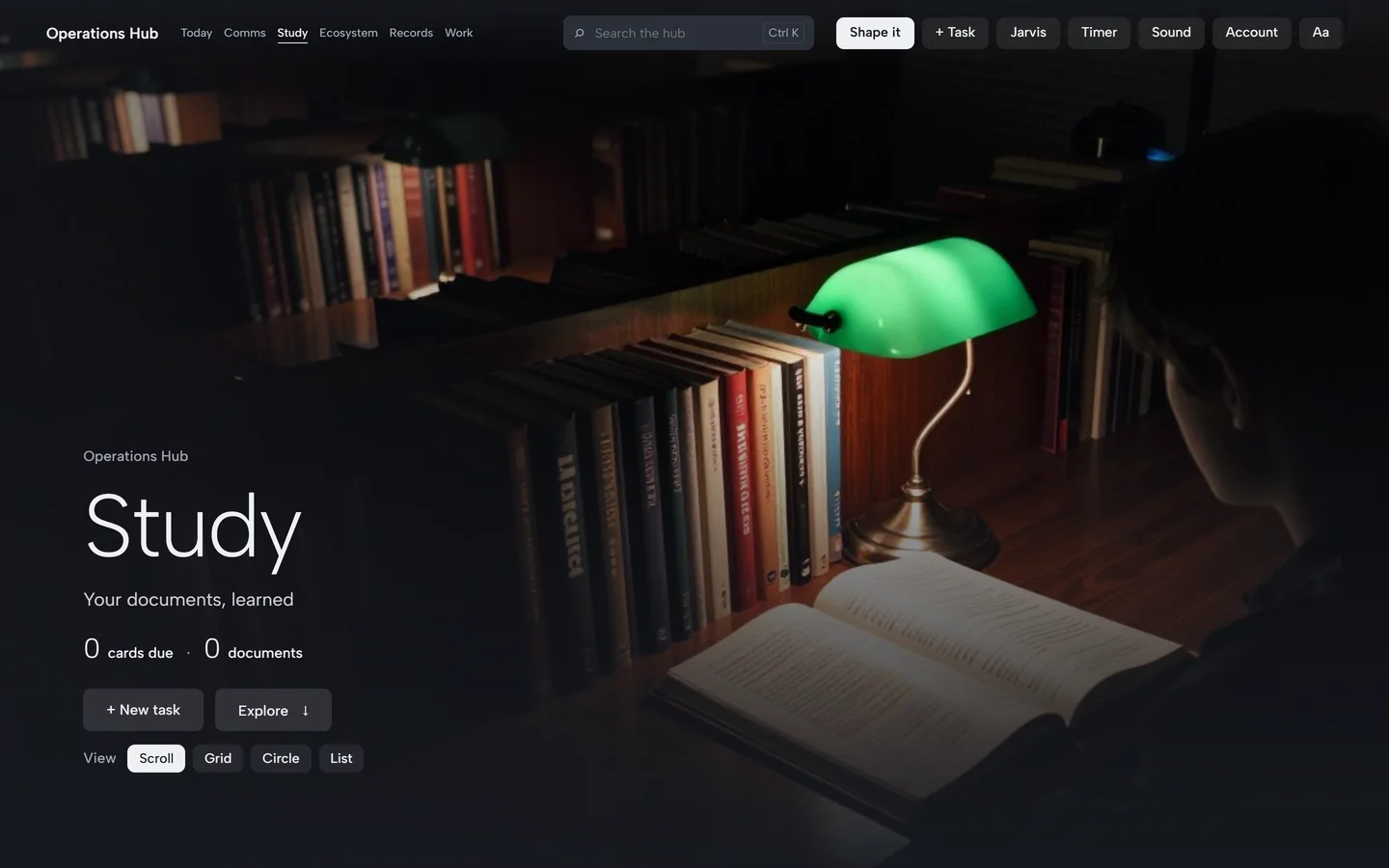
Study
- Checked study sets. Practice questions from your own notes, each quoting the line it came from and confirmed by a second reader. How it checks.
- Filed by class. Documents are sorted into your classes as you add them, so you can quiz one class or all of them.
- Flash cards on a schedule. Cards come back just before you'd forget them, and the ones you miss come back sooner.
- Missed questions first. Quizzes start with what you got wrong last time.
- "Explain this section." A plain-words explanation that quotes your document, so you can check it.
- Your school's calendar. Canvas, Blackboard, Brightspace and Moodle assignment feeds become tasks with due dates.
The Study room
Your documents by class, cards on a schedule, and checked practice sets.
Today, tasks and calendar
- Today. What's due now, today and next, with your calendar's events and the weather.
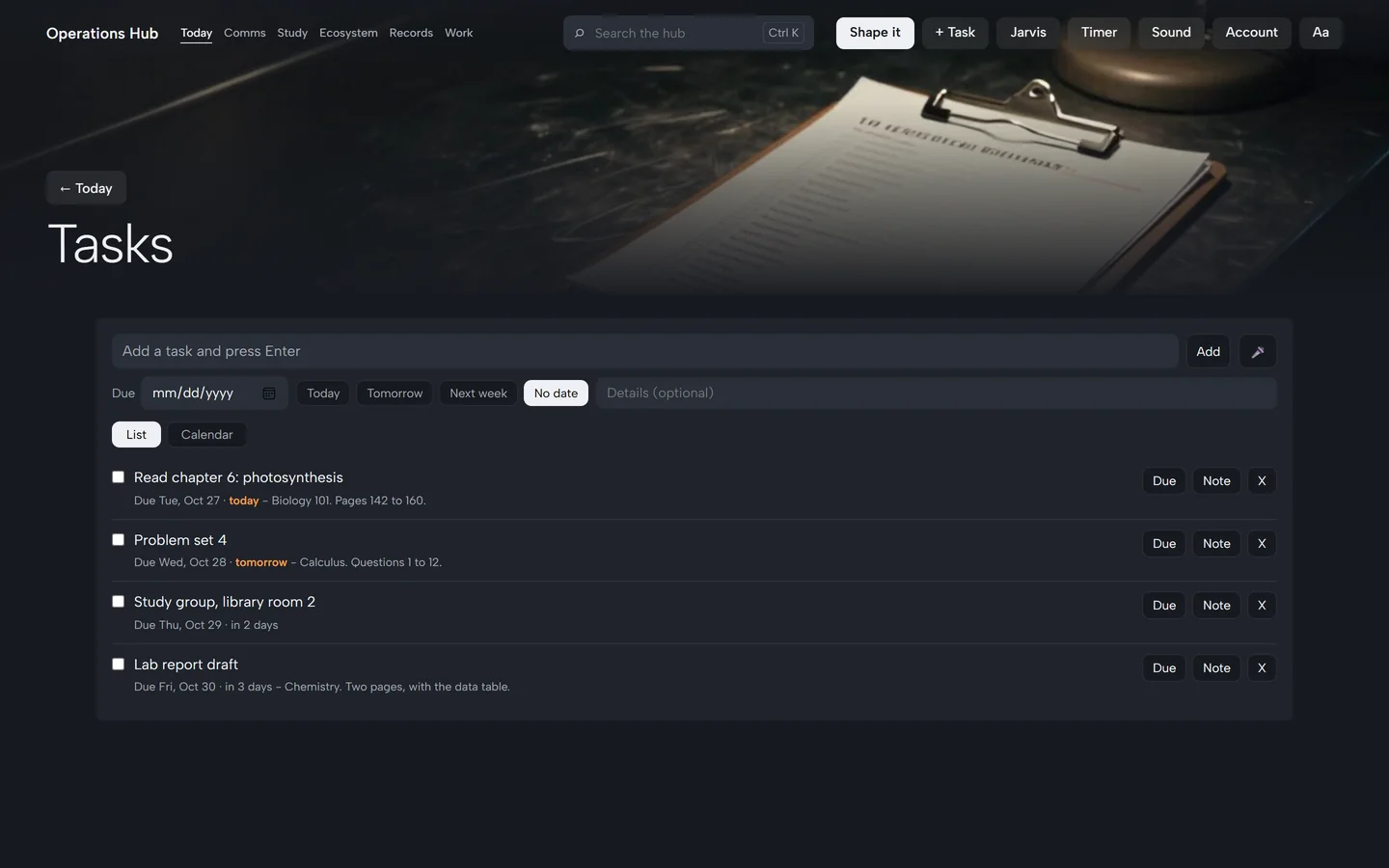
- Tasks. Add one in a second with a date and details. Scroll, grid, circle or list views.
- Calendar. Your tasks and events on a calendar, next to your school's due dates.
- Weekly review. A Sunday summary of what got done and what to focus on next.
Tasks
Add one in a second, with a date and a note. What is due today is marked.
Journal, meetings and voice notes
- Journal. Write freely. Tasks and people you mention are suggested for you to add.
- Meetings. Record a class or a meeting, get notes and action items, filed with their date.
- Voice notes. Speak a thought and it's written down on your own computer.
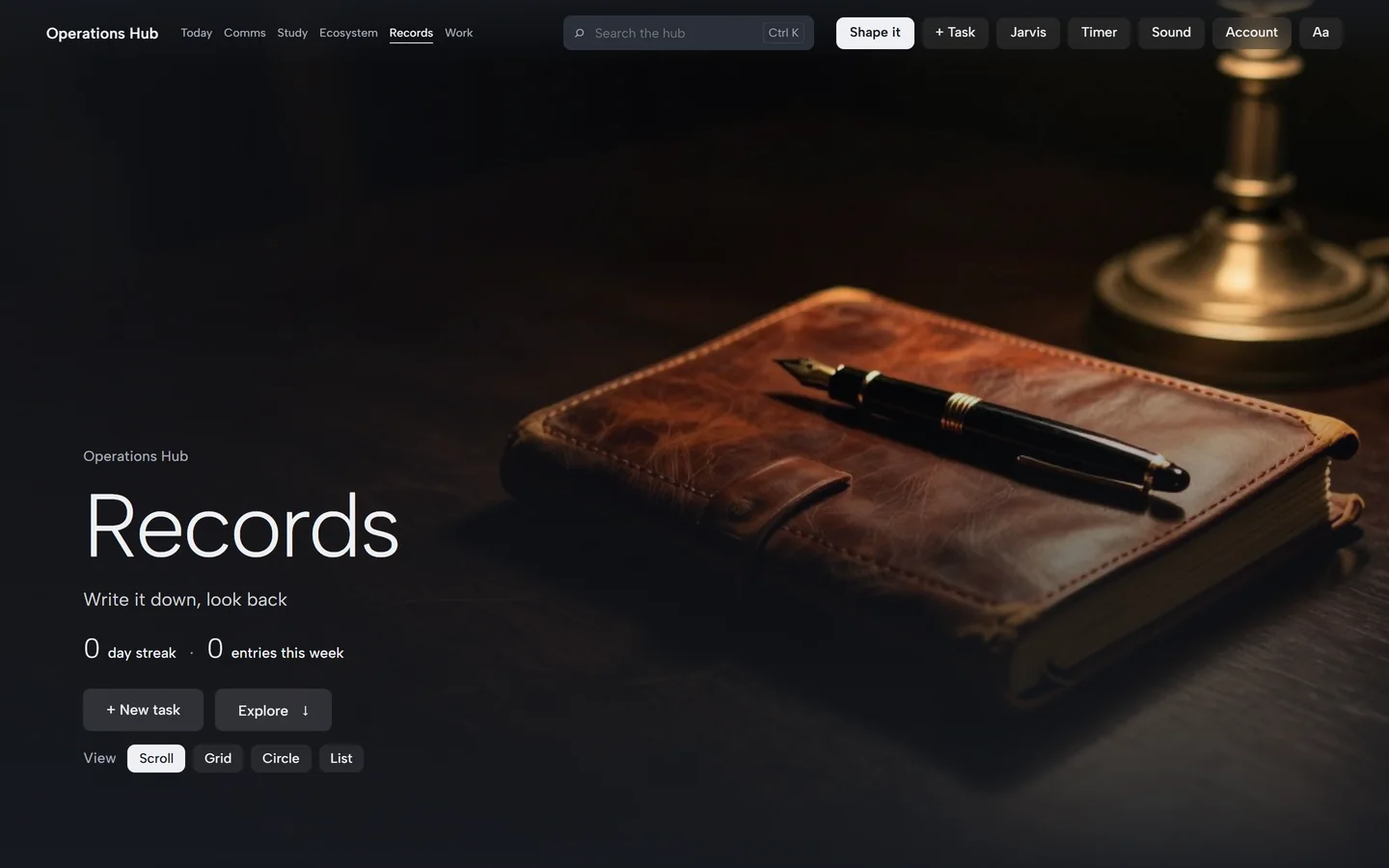
Records
Write it down, look back. This room never leaves your computer.
Make it yours
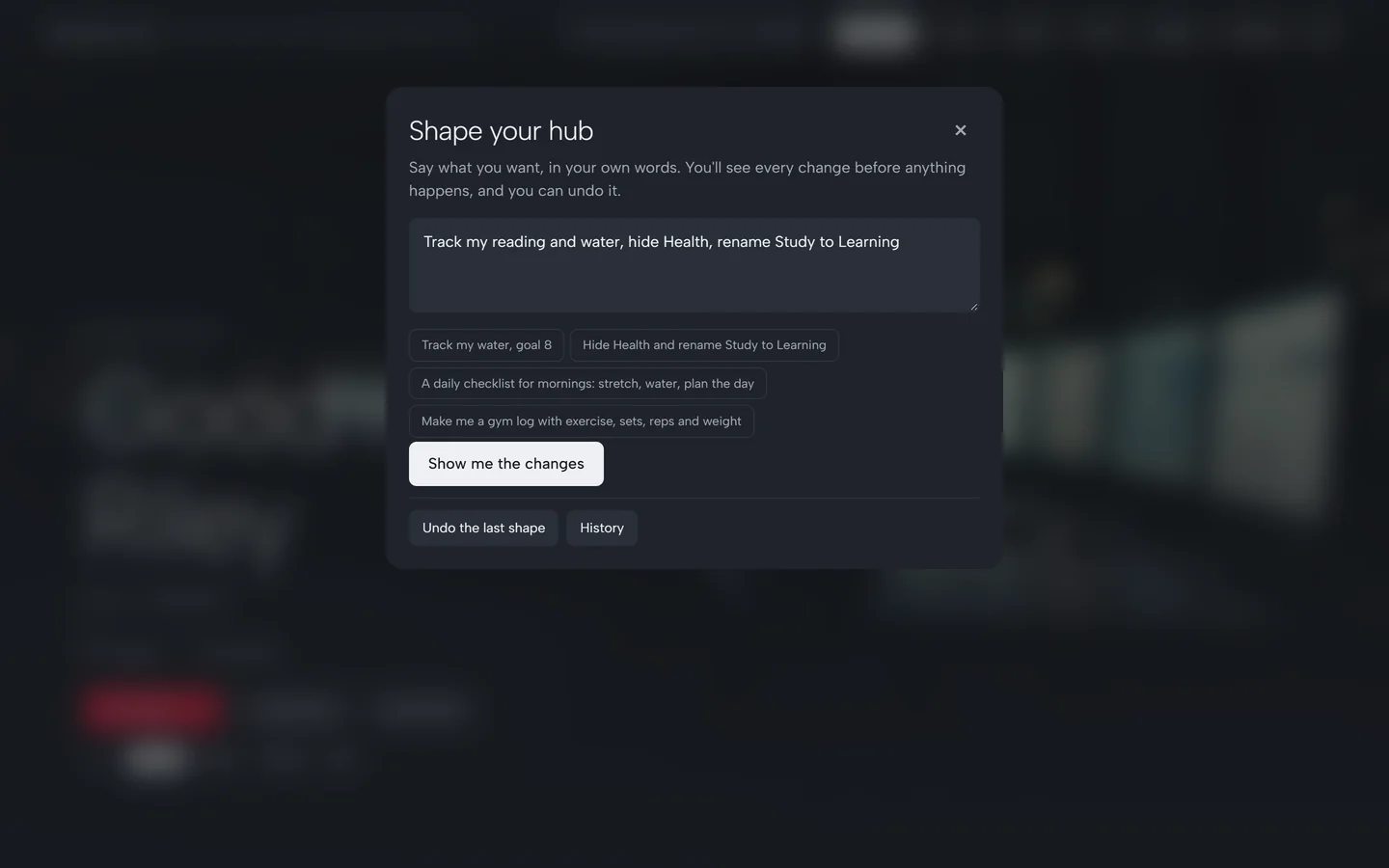
- Shape it. Type what you want: "track my water and reading, hide Health, rename Study to Learning". You see a preview, apply it, and Undo puts everything back.
- Custom tools. Trackers, counters, checklists, logs and small tables, made from a template or by hand.
- Extra rooms. Health, Finances, People, the Workshop, Practice drills and the Data Lab.
- Looks. Several styles and backgrounds, all checked for readable contrast.
Shape it
Type the change. See it. Apply it. Undo it.
AI where you want it
Each part of the hub can use the AI on your own computer, our checked study service, or no AI at all. Private parts can only ever use your own computer. You can also bring your own AI key if you'd rather pay a provider directly.
An accessibility mode makes every AI answer shorter and plainer, with help finding words.